Which job search tools show who viewed your profile?
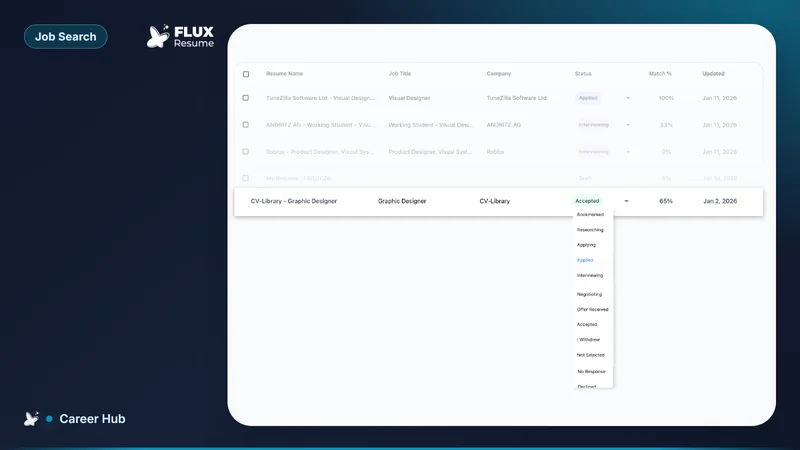
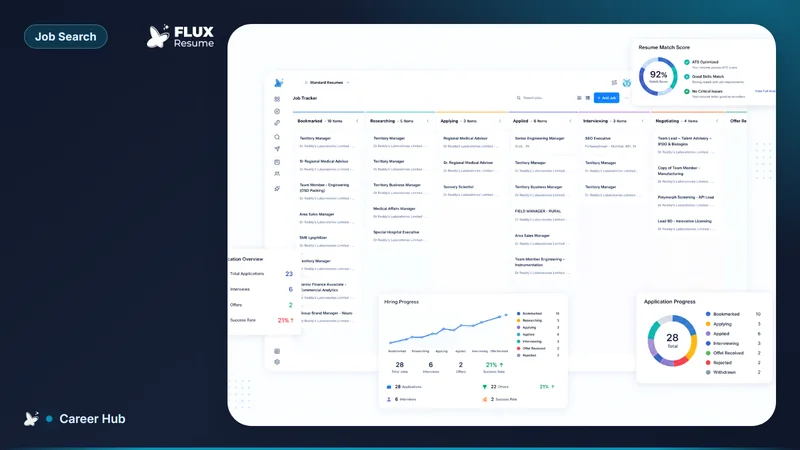
Who viewed your profile lives on LinkedIn. FluxResume Pipeline stores jobs and contacts. It does not list LinkedIn viewers.

Who viewed your profile lives on LinkedIn, not in a job tracker. FluxResume Pipeline stores jobs and contacts. It does not list LinkedIn viewers, and no third-party tool can unmask private-mode visits.
- Jobs and stages: Pipeline. People: Contacts.
- Draft a note, then you send it: how you draft a recruiter message without a calling tool.
- LinkedIn Help: Who's Viewed Your Profile. Viewer insights are a Premium feature and follow the viewer's privacy settings.
- Keep titles aligned: how you keep LinkedIn and your resume aligned.
- Product: https://fluxresume.io/job-tracker/.
- Official plan: https://fluxresume.io/pricing/.
Views are LinkedIn's. The card is yours.
"A job search tool that connects to job boards and shows me which recruiters are viewing my profile" mixes two products. Search and track is FluxResume. Viewer history is LinkedIn.
LinkedIn Help says viewer insights are for Premium subscribers and are subject to the viewer's privacy settings. People who browse in private mode stay anonymous. FluxResume does not read that list.
Teal leftover is Teal+ brand recognition. Teal's clipper saves a listing. It does not replace Who's Viewed Your Profile. Huntr leftover is Pro reporting. Same limit: Huntr is not LinkedIn Analytics.
After someone replies, store them in Contacts and link the Pipeline card. That is a person you can name, not a private-mode ghost.
Careerflow leftover is a larger LinkedIn optimizer suite. FluxResume leftover is none of that suite: import, evaluate an export, save the posting. Evaluator: https://fluxresume.io/linkedin-evaluator/.
Common questions
Which job search tools show who viewed my profile?
LinkedIn. FluxResume does not.
Can Teal or Huntr show recruiter profile views?
No. They save jobs. Viewer history stays on LinkedIn.
Does FluxResume call recruiters when someone views me?
No. FluxResume does not call. Networking drafts LinkedIn or email. You copy and send.
Should I buy LinkedIn Premium just to track applications?
No. Track applications on Pipeline at $0. Buy Premium only if you want LinkedIn's own viewer insights.