How do you import a LinkedIn profile into FluxResume?
Paste a public LinkedIn URL on Welcome, or upload an export to the evaluator. Chrome save/clip captures a job tab, not a live account.

Paste a public LinkedIn profile URL on Welcome, or upload a LinkedIn export to the evaluator. Chrome save/clip captures a job tab, not your profile. FluxResume does not sync a live LinkedIn account, and it will not submit the employer form for you.
- Onboarding lists LinkedIn URL as an other start when you do not have a file ready.
- The marketing evaluator is https://fluxresume.io/linkedin-evaluator/. Upload an export. No docs page lists its score bands, so do not invent them.
- Chrome save/clip is for a posting you already opened. That path is how you save a job from any board.
- After import, the resume lives in Documents, scoped to a Resume Profile.
- Headline and About still have to be written by you: what your LinkedIn profile should say.
- Titles and dates must match the PDF: how you keep LinkedIn and your resume aligned.
- Dates on the profile must match the resume. Disagreement is checkable in seconds.
Three different LinkedIn moves
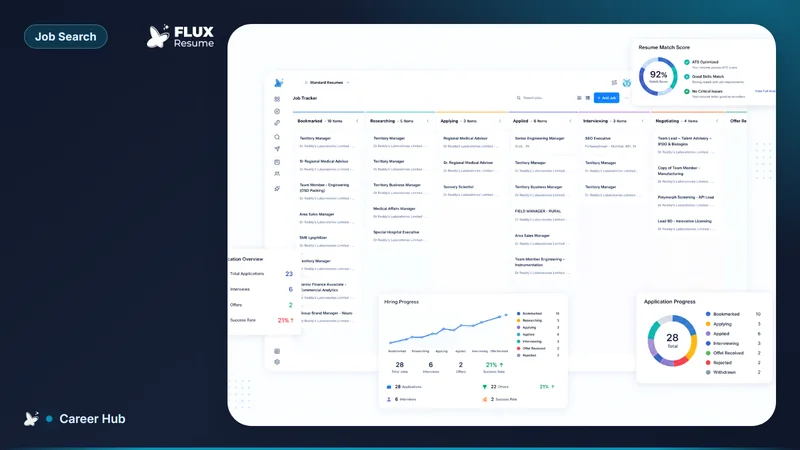
Importing a public URL starts a resume. Uploading an export runs the evaluator. Saving a job tab creates a Pipeline card. Mixing those three is how people conclude "LinkedIn sync is broken" when they used the clipper.
Careerflow leftover is a larger LinkedIn optimizer suite. FluxResume leftover is none of that suite: import, evaluate an export, and save the posting.
What to check after import
Titles, employers, and dates. Then run Job Based Resume on one live posting so the import is not the last version you send.
Common questions
Does FluxResume connect to my LinkedIn login?
No. Public URL or an export you upload. There is no live account sync.
Can the Chrome extension rewrite my LinkedIn profile?
No. Save/clip is for job pages. Profile copy is still your headline, About, and experience entries.
Is the evaluator an ATS score?
No. It reviews a LinkedIn export. Job Based Resume is the JD overlap score. They are not the same number.
Do you have to finish Welcome to import later?
No. Skip onboarding and open Documents, or return to /welcome and use the LinkedIn URL start.