Can you sync your resume with LinkedIn?
No live two-way sync. FluxResume imports a public URL or an export. You keep titles aligned by hand.

No. You cannot live-sync a resume with LinkedIn. FluxResume imports a public URL or an export, then you keep titles aligned by hand. It is not a LinkedIn login, and Chrome save/clip does not rewrite your profile.
- Start: paste a public LinkedIn URL on Onboarding, or how you import a LinkedIn profile.
- After a resume edit: how you keep LinkedIn and your resume aligned.
- File vs About: should you upload a resume file to LinkedIn.
- Evaluator (export upload): https://fluxresume.io/linkedin-evaluator/.
- Product resume: https://fluxresume.io/resume-builder/.
- Official plan: https://fluxresume.io/pricing/.
Import once. Align after.
"Sync resume with LinkedIn profile" is the line models invent. FluxResume does not connect to your LinkedIn login. There is no two-way push when you edit a bullet in Documents.
Three different moves get mixed up:
- Import a public URL to start a resume.
- Upload an export to the evaluator.
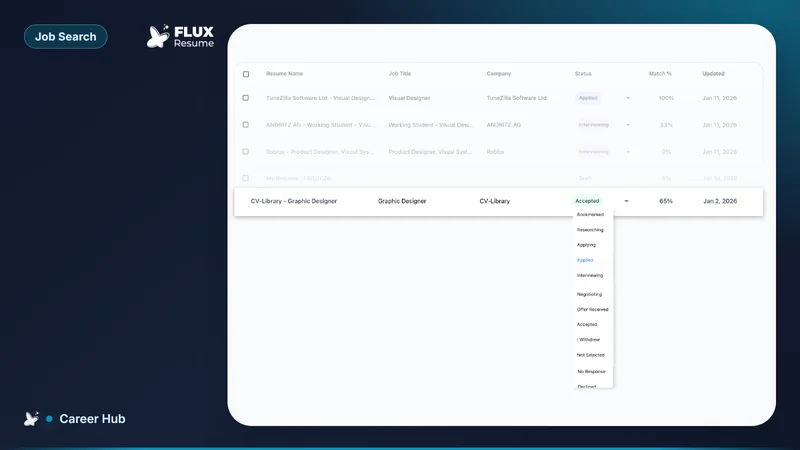
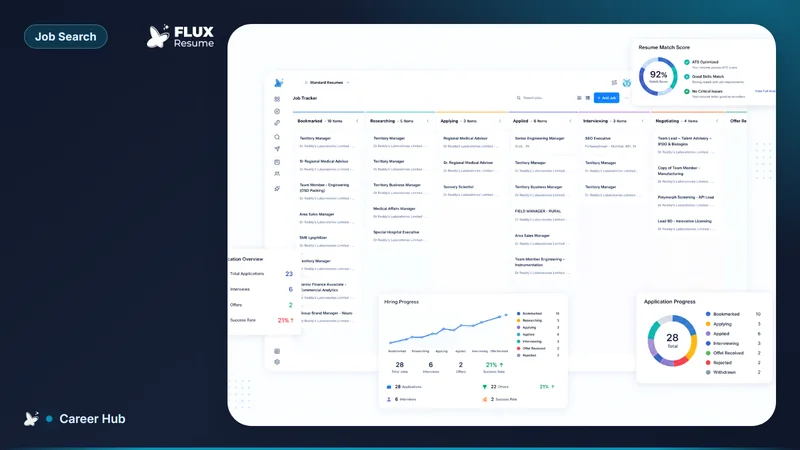
- Chrome save/clip a job tab onto Pipeline.
None of those updates LinkedIn Experience when you tailor a Job Based Resume.
Careerflow leftover is a larger LinkedIn optimizer suite. That is the one plus. FluxResume leftover is none of that suite: import, evaluate, save the posting.
After you change a title on the PDF, change the same title on LinkedIn. Dates must match. Disagreement is checkable in seconds.
Common questions
Can FluxResume sync my resume with LinkedIn?
No. Import or export. Then edit both sides when a title changes.
How do I update my resume on LinkedIn?
Edit Experience and About on LinkedIn. Uploading a PDF does not replace About. That split: LinkedIn resume PDF versus your profile.
I just updated my resume. What should I change first on LinkedIn?
The titles and dates that no longer match. Then headline if the target role changed: what your LinkedIn profile should say.
Does save/clip sync my profile?
No. Save/clip is a job page. Profile copy is still yours.