Career Navigator, quiz then graph
FluxResume Career Navigator is a 10-question quiz, ranked career matches, and an interactive graph for lateral moves, level-ups, and specializations.

Career Navigator is the path finder: a 10-question quiz, a matches list, then an interactive career graph. It is not a resume template picker. Walkthrough: Career Navigator. Product page: https://fluxresume.io/career-navigator/.
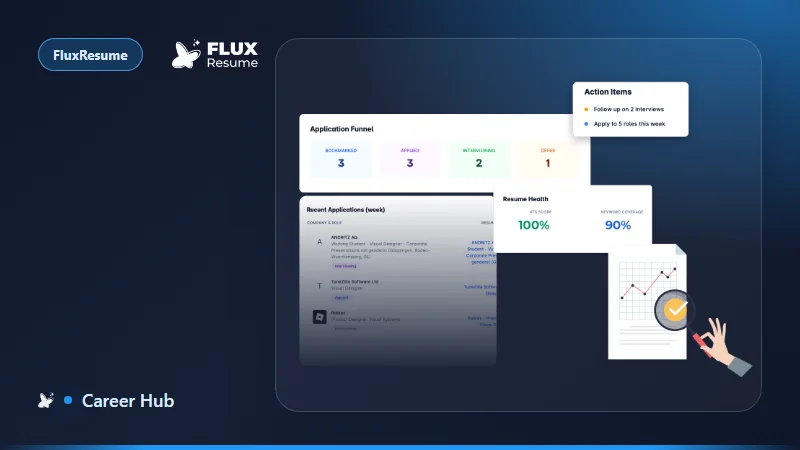
Open it from the sidebar or from the Dashboard. If a quiz is already in progress, the dashboard shows Continue Quiz. After you pick a career, banners there offer View Resume, Build Resume, or View Matches.
Pick an intent, then ten questions
Choose Your Path is three intents that all go to the same quiz:
- Discover My Path (
discover) - Switch Careers (
switch) - Level Up (
level_up)
Start Career Quiz is the same quiz without picking a card first. Retake Quiz appears when you already finished one.
The quiz is one question at a time, progress bar, multi-select on questions that allow it. Next stays disabled until you pick at least one option. Last question: Submit & Get Results, then an "Analyzing Your Answers" overlay, then Career Matches.
Matches
The AI returns roles with match %, salary, demand, and skills, plus a KPI bar (Total Matches, Highest Match, Avg Salary).
- Explore opens the graph with that role pre-filled (
/apps/career-navigator/graph?role=...) - Select Path saves the choice and goes to Build Resume (a tailored resume, still using your Resume Profiles workspace)
- View Career Graph is the graph with no role forced
Empty matches: Take Quiz.
Graph
Empty graph: Get Started → preferences. Enter a role title (example: Software Engineer), experience level (Entry, Mid-Level, Senior, Lead), optional management paths, Generate Graph.
Generated nodes are the role plus connected careers (level up, lateral, management, specialization). Nodes show title and salary range. Edges show salary change (example in the doc: +25–40%). More positions expands. Zoom, fit to screen, drag the canvas, drag a node. Click a node for level, salary, demand, skills.
You can deep-link the graph: /apps/career-navigator/graph?role=Software%20Engineer&level=mid.
Reset & Start Over on the dashboard clears progress. Use that when the last quiz was a joke run, not when you only want a different graph role. The graph preferences panel is enough for "what if I typed a different title."