Tailor a resume to one job description
Job Based Resume links a posting to a resume, scores direct vs smart matches, then Smart Match Resume rewrites bullets you still have to defend.

A Job Based Resume is a resume tied to one posting. FluxResume reads the description, matches it against your experience, and can run an AI pass so the bullets line up with what the role asked for. This is not a generic "improve my resume" chat. Details: Job Based Resume.
Marketing pages for the same idea: https://fluxresume.io/job-based-resume/ and https://fluxresume.io/on-the-fly-resume/.
Three doors, one flow
- Job Search (
/apps/jobs): Job Based Resume on the job detail panel. This is the usual path. No copy-paste of the JD. - Resume Builder (
/pages/documents): blank resume first, then attach a job. - Job Tracker: menu on a job you already saved.
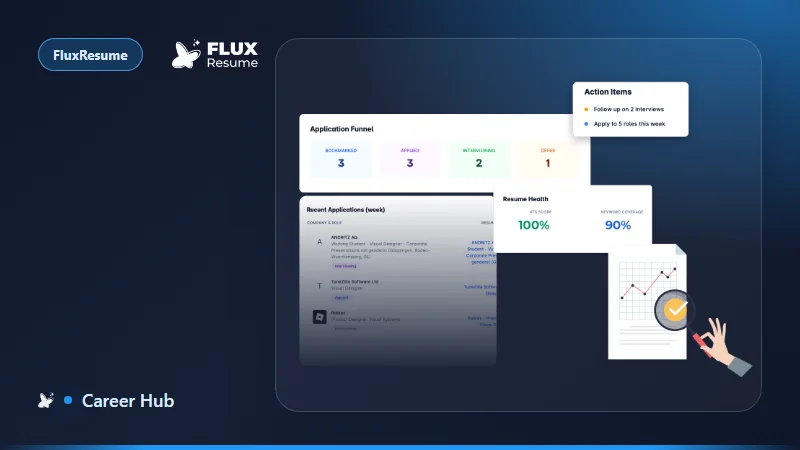
From Job Search, that click also bookmarks the job (if it was not saved) and names the resume after the role, for example Software Developer @ Outlier. The Job Based Resume button then goes away. A pipeline status bar and a Resume card show up on the job. Open the resume name and you land on Job Matcher with company and requirements already attached.
Bookmarks and the board itself are documented under Pipeline. Search UI: Job Search.
Read the analysis before you generate
The matcher header:
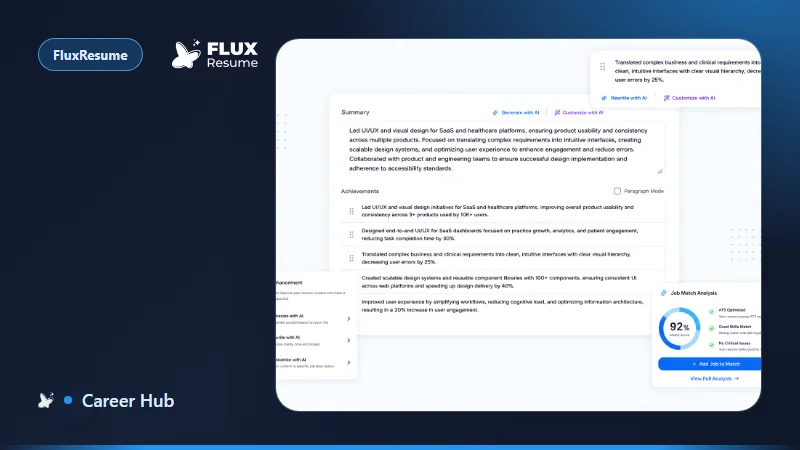
- Match score (donut). Below ~50% weak, 50–70% good, 70%+ strong, 85%+ excellent.
- Direct matches: same words as the JD, already on the resume.
- Smart matches: same idea, different wording (example in the doc: "Server-Side Development" vs "backend engineering").
- Smart Match Resume runs the rewrite. Re-analyze rescores without changing text.
- Include Soft Skills is off by default.
Job Description tab highlights green (direct), yellow/orange (smart), and a Missing count. Matched Requirements is the row-by-row table with Direct / Smart / Missing filters.
Smart Match Resume, then argue with it
The AI rewrites the professional summary and bullets, weaves in matching skills, and tries to cover gaps. In the docs example the score moved from 62% (Good) to 85% (Excellent), direct matches 6 → 11, missing → 0. Your numbers will differ. Treat that example as a screenshot, not a promise.
After a run you get Optimized Match Assessment:
- Matched Skills / Addressed Gaps chips
- Enhanced Experience Points: strikethrough old text, new wording, New content when a bullet was invented, risk badge (low vs medium). Medium-risk cards are where meaning drifted. Read those.
- View AI Reasoning & Interview Prep is why the model changed the line and what an interviewer might ask. You still have to be able to say it out loud.
Auto-save is in the header. Preview and Download PDF when you are done. Redo Optimization after you edit work history. Re-analyze first if you have been typing by hand.
One resume stays linked to that one job. A second company with a similar title is a new Job Based Resume from that posting. Switching Resume Profiles hides the resume; it does not delete it.