Networking
Networking (Networking Messages) drafts LinkedIn or email outreach from a goal, action type, and tone. Generate a few variations, refine them, then copy the one you want to send.
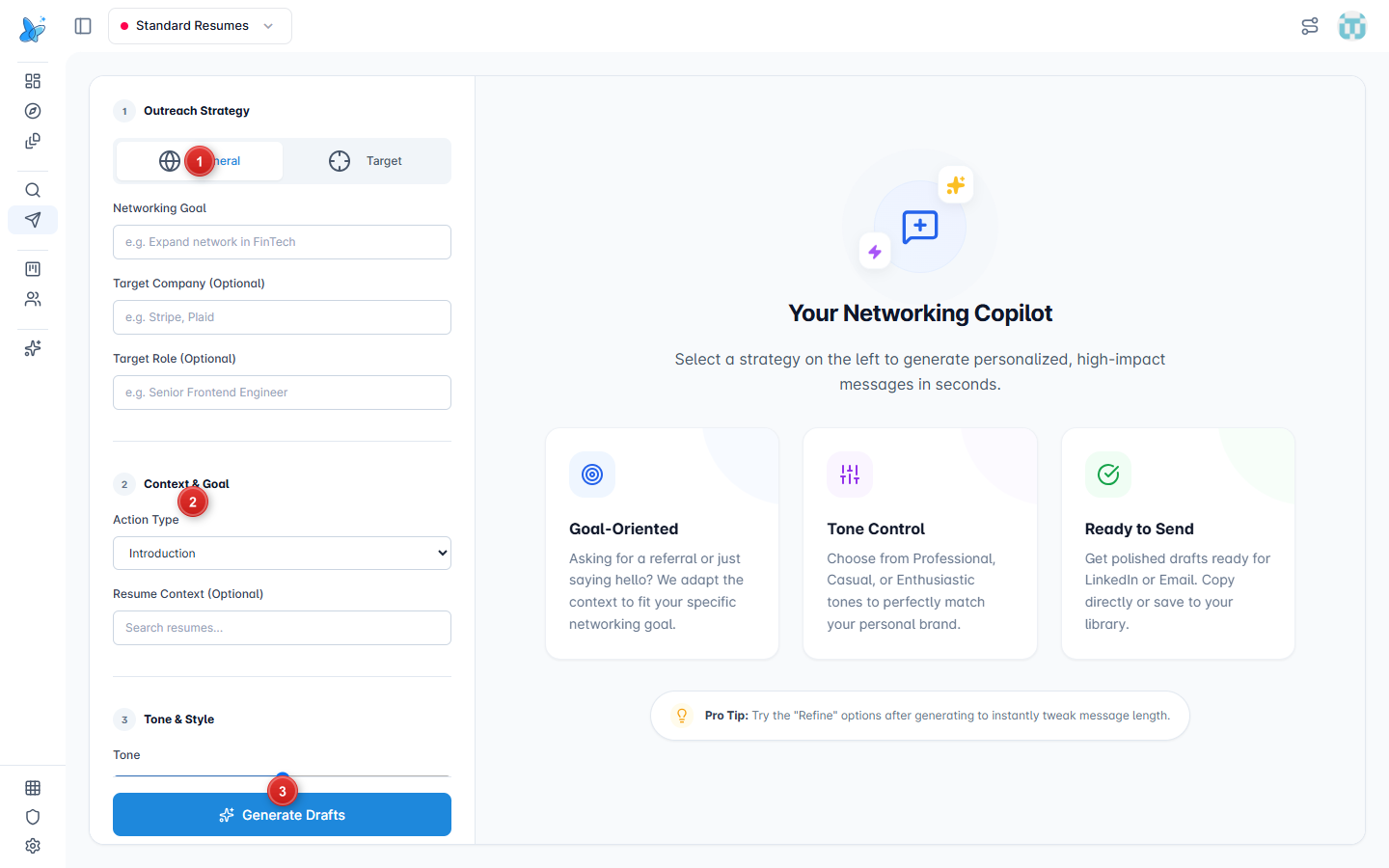
- Outreach Strategy - General or Target, then set networking goal and optional company/role.
- Context & Goal - action type (Introduction, Request Referral, Request Coffee Chat, Ask about Hiring) and optional resume context.
- Generate Drafts - create message variations (Tone & Style sits just above this button).
How to use
- Open Networking from the sidebar under Apply.
- Choose General or Target, fill the goal, and optionally company and role.
- Pick an Action Type and Tone.
- Click Generate Drafts.
- Review the variations, use Refine if needed, then copy a draft to LinkedIn or email.
Generated drafts
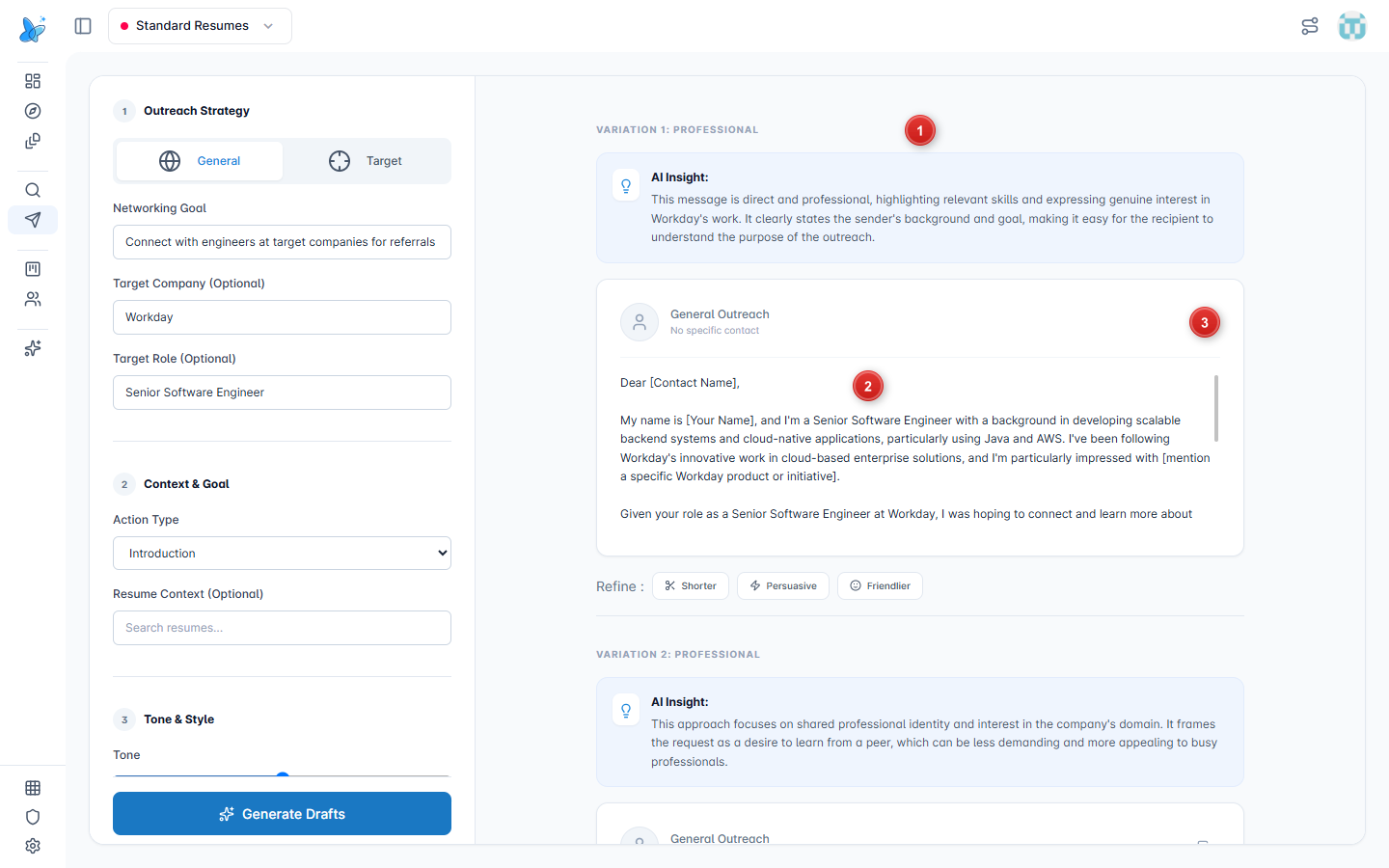
- Variation cards - each draft is labeled (for example VARIATION 1) with an AI insight.
- Message body - the outreach text you can send as-is or edit after copying.
- Copy - copy icon on the card copies that message.
Refine and regenerate
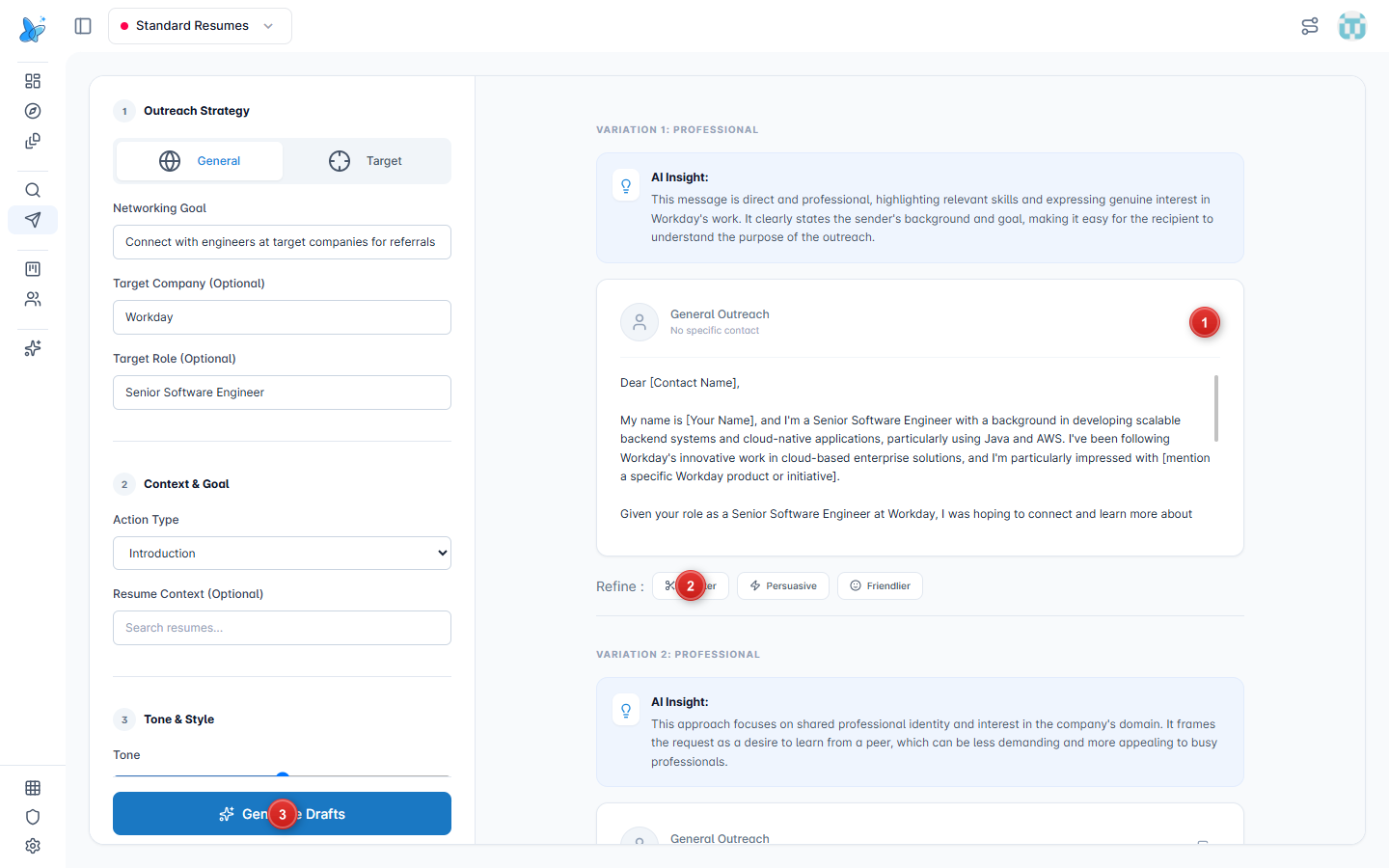
- Copy - copy the selected variation.
- Refine - Shorter, Persuasive, or Friendlier tweaks the draft in place.
- Generate Drafts - run again from the left form after changing goal, action, or tone.
Tips
- Be specific in the networking goal; vague goals produce generic openers.
- Use Target when the message should name a company or role.
- See Contacts to store people you reach out to after you send a message.